
TABLE OF CONTENTS
In the employee file it is possible to gain insight into which users and groups are authorized for the file.
Step 1. Go to an employee file
Step 2. Click on the tab ‘case file authorisation’
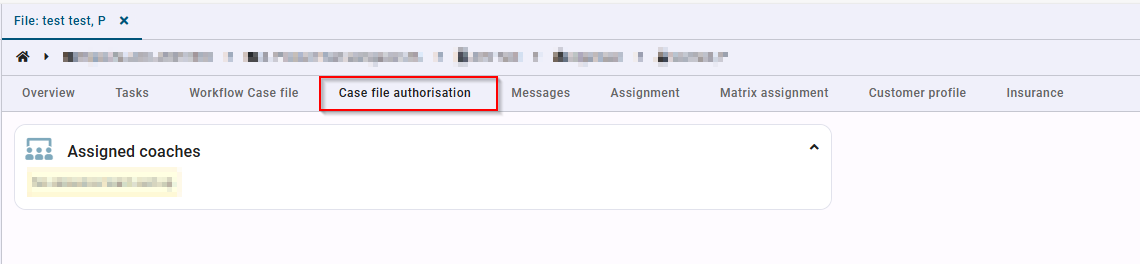
The overview shows the assigned coaches for this file.
If this tab is not visible, a plugin still needs to be activated. This concerns the plugin ‘Authorization overview of employee’ and can be requested via the Xpert desk.